
Honest Review: ARCTIC Liquid Freezer III Pro 360 A-RGB – AIO CPU Cooler, 3 x 120 mm Water Cooling, 38 mm Radiator, PWM Pump, VRM Fan, AMD AM5/AM4, Intel LGA1851/1700 Contact Frame – Black

The AIO (All-in-One) liquid cooler market is flooded with RGB lights and LCD screens, often forgetting the one thing that matters most: keeping your CPU cool. ARCTIC has long been the favorite of PC enthusiasts for prioritizing performance over bling. With the Liquid Freezer III Pro 360 A-RGB, they aim to retain their performance crown while fixing the few complaints users had with the previous generation.
I’ve taken a deep dive into this cooler to see if the thicker radiator, the unique VRM fan, and the included contact frame make it the definitive choice for high-end builds in 2024 and beyond.
Absolutely. If your case can fit it, this is arguably the best price-to-performance ratio you will find on the market today. It solves the Intel bending issue out of the box with the included contact frame and offers cooling performance that rivals custom loops. However, be warned: the radiator is thick, so check your clearances.
What I Liked & What I Didn’t
✅ The Pros
- Incredible Cooling: The 38mm thick radiator provides massive surface area for heat dissipation.
- Contact Frame Included: For Intel users, this is huge. It replaces the stock ILM to improve contact pressure.
- VRM Fan: The small fan on the pump head actively cools motherboard VRMs (great for overclocking).
- Clean Cables: Single-cable management means no mess of wires coming off the fans.
- Native Offset Mount: Optimized specifically for AMD Ryzen hotspots.
❌ The Cons
- Radiator Thickness: At 38mm thick (plus fans), it may interfere with motherboard VRM heatsinks or RAM in smaller cases.
- Installation Complexity: Installing the contact frame requires removing the stock CPU holder, which can be intimidating for beginners.
Detailed Breakdown
1. The Radiator and Fans
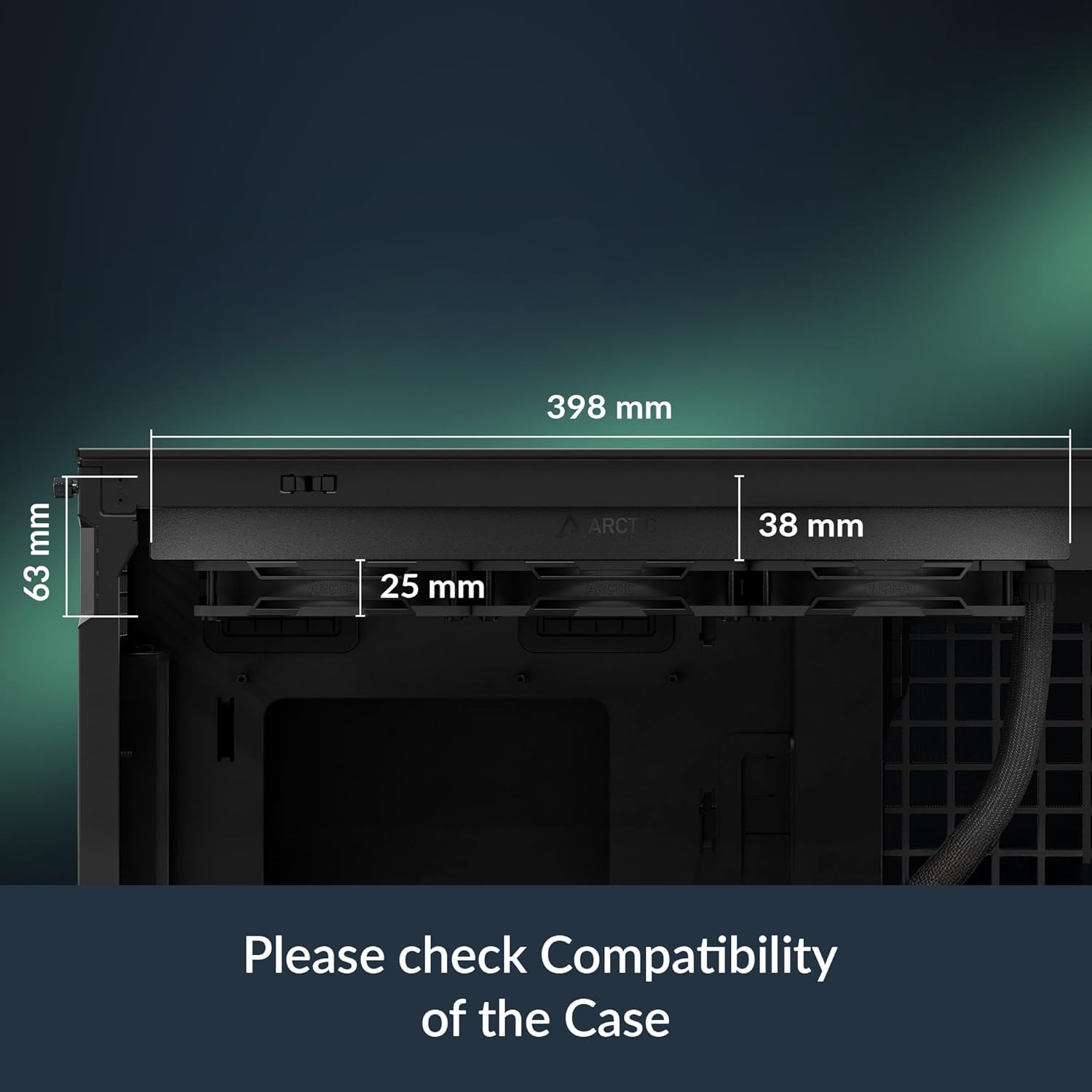
Most AIOs stick to a standard 27mm radiator thickness. ARCTIC, however, uses a 38mm thick radiator. This allows for a higher liquid volume and more surface area for the fins. The tradeoff is that you need to ensure your PC case has ample clearance at the top or front.
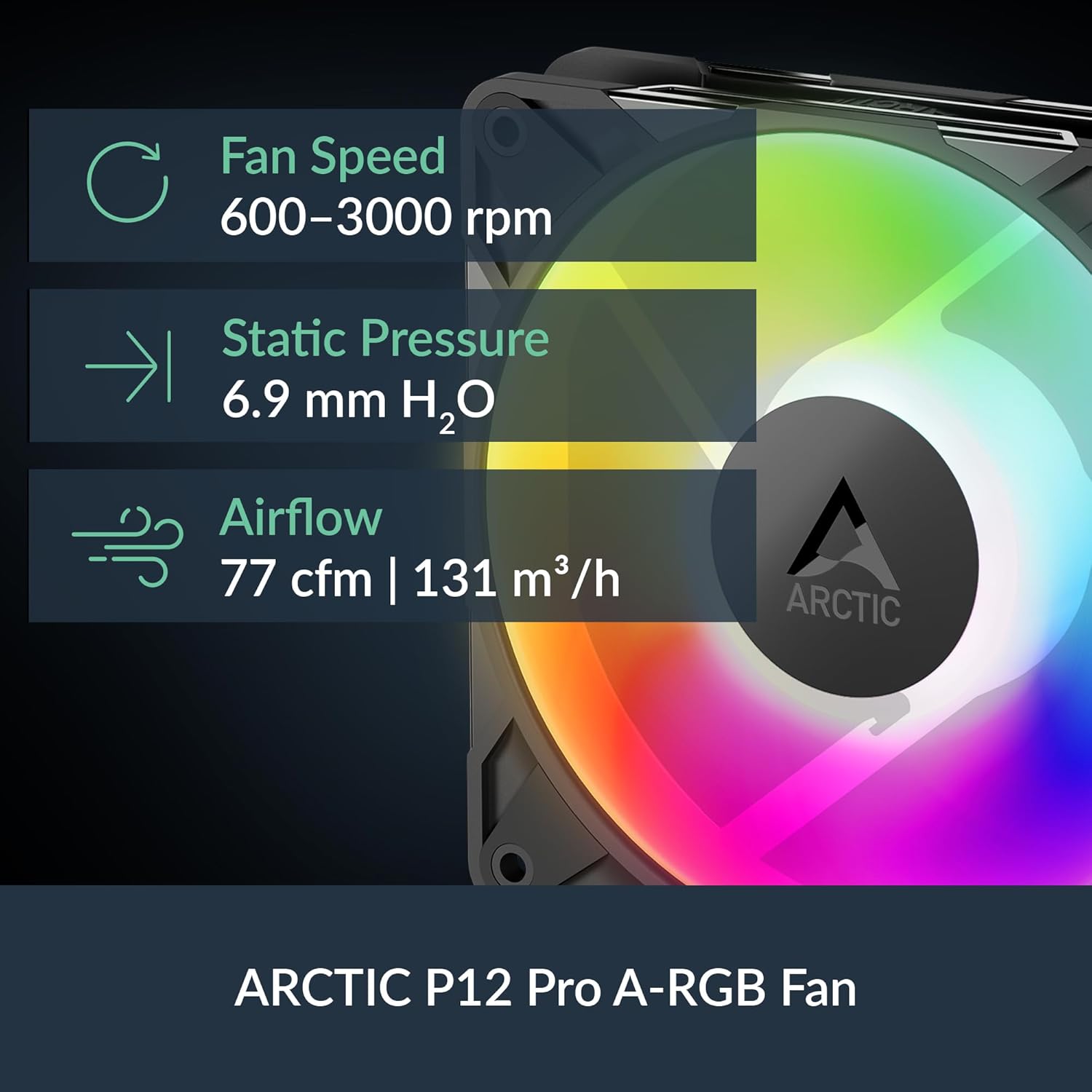
The included 120mm P-fans are optimized for static pressure, which is exactly what you need to push air through such a dense radiator. They are pre-installed in a “push” configuration, saving you time during the build.
2. The Pump and VRM Fan
The pump block isn’t just a block; it features a small, integrated fan. While this might look gimmicky, thermal testing shows it actually lowers the temperature of the Voltage Regulator Modules (VRMs) surrounding the CPU socket. If you are pushing high voltages on a powerful Intel or AMD chip, this extra airflow is a genuine benefit for system stability.
3. Installation: The Contact Frame
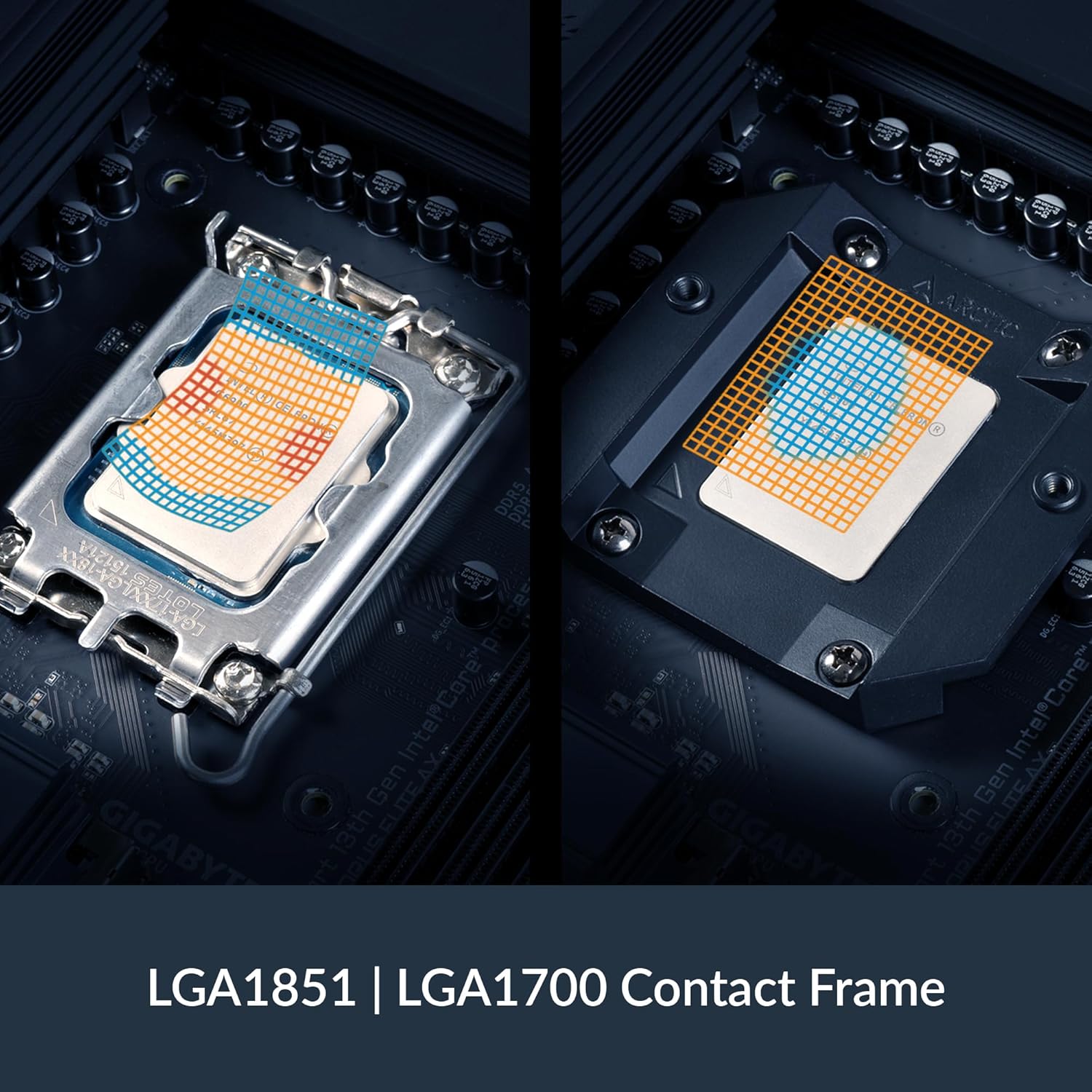
This is the biggest change from the Liquid Freezer II. For Intel LGA1700 and LGA1851 sockets, ARCTIC doesn’t use the standard backplate mechanism. Instead, they include a proprietary Contact Frame.
You have to remove the ILM (Independent Loading Mechanism) from your motherboard and replace it with this frame. While this sounds scary, it prevents the CPU from bending (a known issue with modern Intel chips) and ensures perfect contact with the cold plate. It essentially saves you from buying a third-party contact frame like the Thermal Grizzly ones.
Technical Specifications
| Feature | Specification |
|---|---|
| Compatibility | Intel LGA1851/1700 | AMD AM5/AM4 |
| Radiator Dimensions | 398 x 120 x 38 mm |
| Fans | 3x 120mm ARCTIC P12 PWM A-RGB |
| Pump Speed | 800 – 2800 RPM (PWM Controlled) |
| VRM Fan | 400 – 2500 RPM (PWM Controlled) |
| Warranty | 6 Years |
Who Should Buy This?
Buy this if:
- You are running a high-TDP CPU like the Core i9-14900K or Ryzen 9 7950X.
- You want the best possible cooling performance without building a custom water loop.
- You are comfortable tinkering with your motherboard (installing the contact frame).
Avoid this if:
- You have a tight PC case with limited clearance at the top.
- You are a first-time builder who is uncomfortable removing stock motherboard brackets.
Final Conclusion
The ARCTIC Liquid Freezer III Pro 360 isn’t just a refresh; it’s an evolution. By including the contact frame standard and maintaining their thick radiator design, ARCTIC has solidified its position as the go-to brand for performance cooling. The addition of A-RGB is tasteful and easy to manage via the integrated cable system.
If you have the space in your case, this is hands-down one of the best investments you can make for your PC’s longevity and performance.
